“Find the email about Friday’s meeting.”
Ask Nock to find it in your connected inbox, then work on a reply in the same conversation.
 nock
FOR FOUNDERS
Work through your inbox and make a first version. Cloud bots and the cloud computer are in the works and not available yet.

SAY IT YOUR WAY
You don’t need the perfect prompt. Give Nock the next thing you want to do, then keep the conversation going.
Ask Nock to find it in your connected inbox, then work on a reply in the same conversation.
Choose a design direction and let Nock work on a first version with V3Code. Review it and keep refining.
Cloud bots and the cloud computer are in the works and not available yet. A cloud routine would be a task you tell a Nockbot in its chat.
A LITTLE ROOM TO KEEP GOING
Some work needs your attention. Some needs a computer and a little time. Cloud bots and the cloud computer are in the works and not available yet.
Meet your Nockbot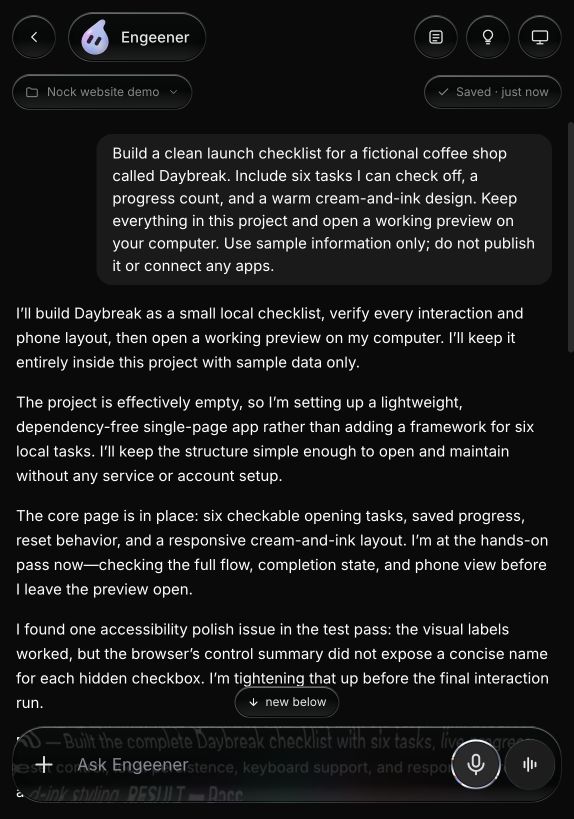
THE WORK BEHIND THE WORDS
Bring email, calendars, and other connected services into the conversation.
Make a website, a small tool, or an app. The project stays available for your next change.
Cloud bots and the cloud computer are in the works and not available yet.
Connected apps come with every paid plan, including Nock Own at $9.99/month. Use your own AI there, with no agent task limit from Nock.
Find your plan