Teammates on their own computers.
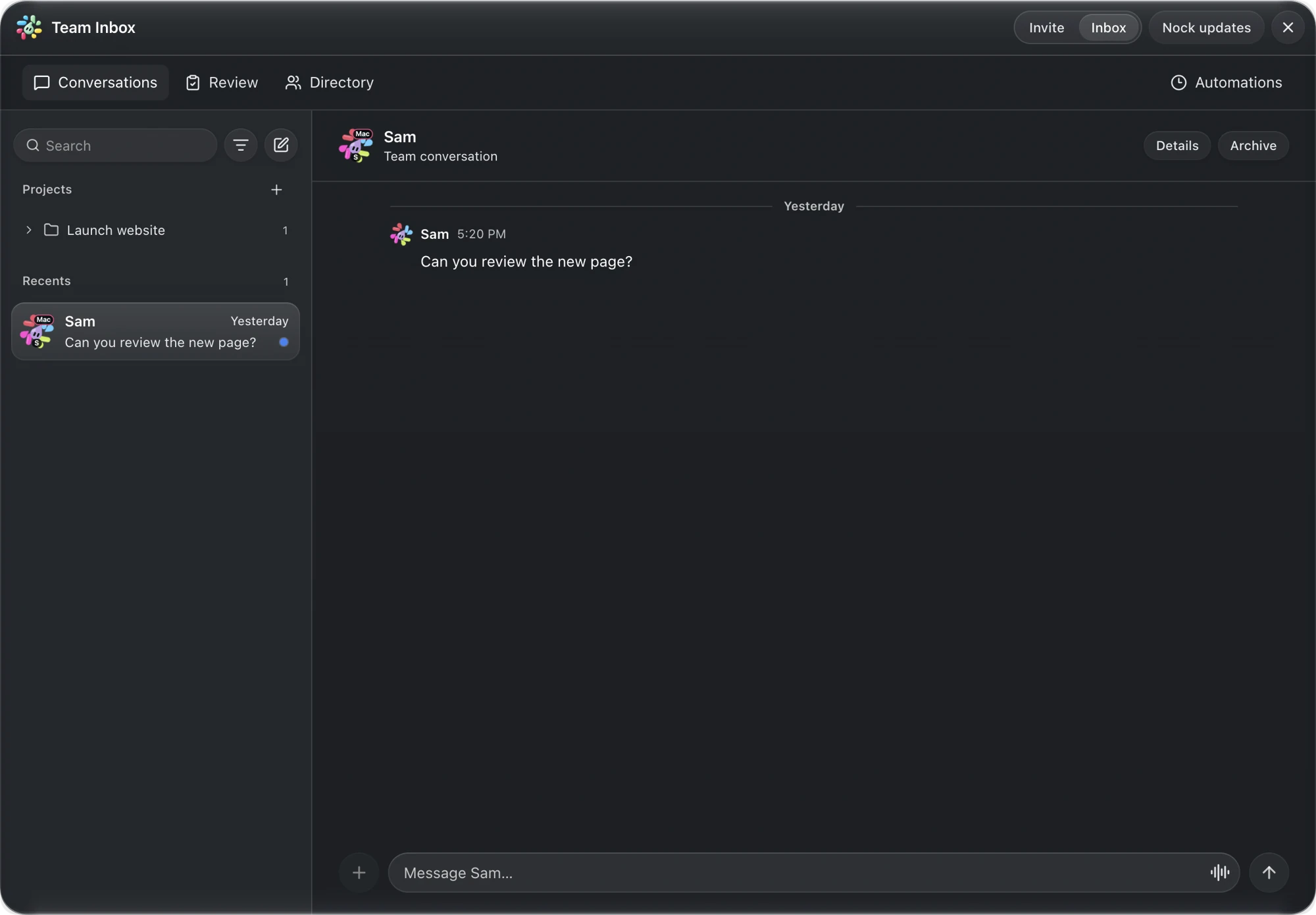
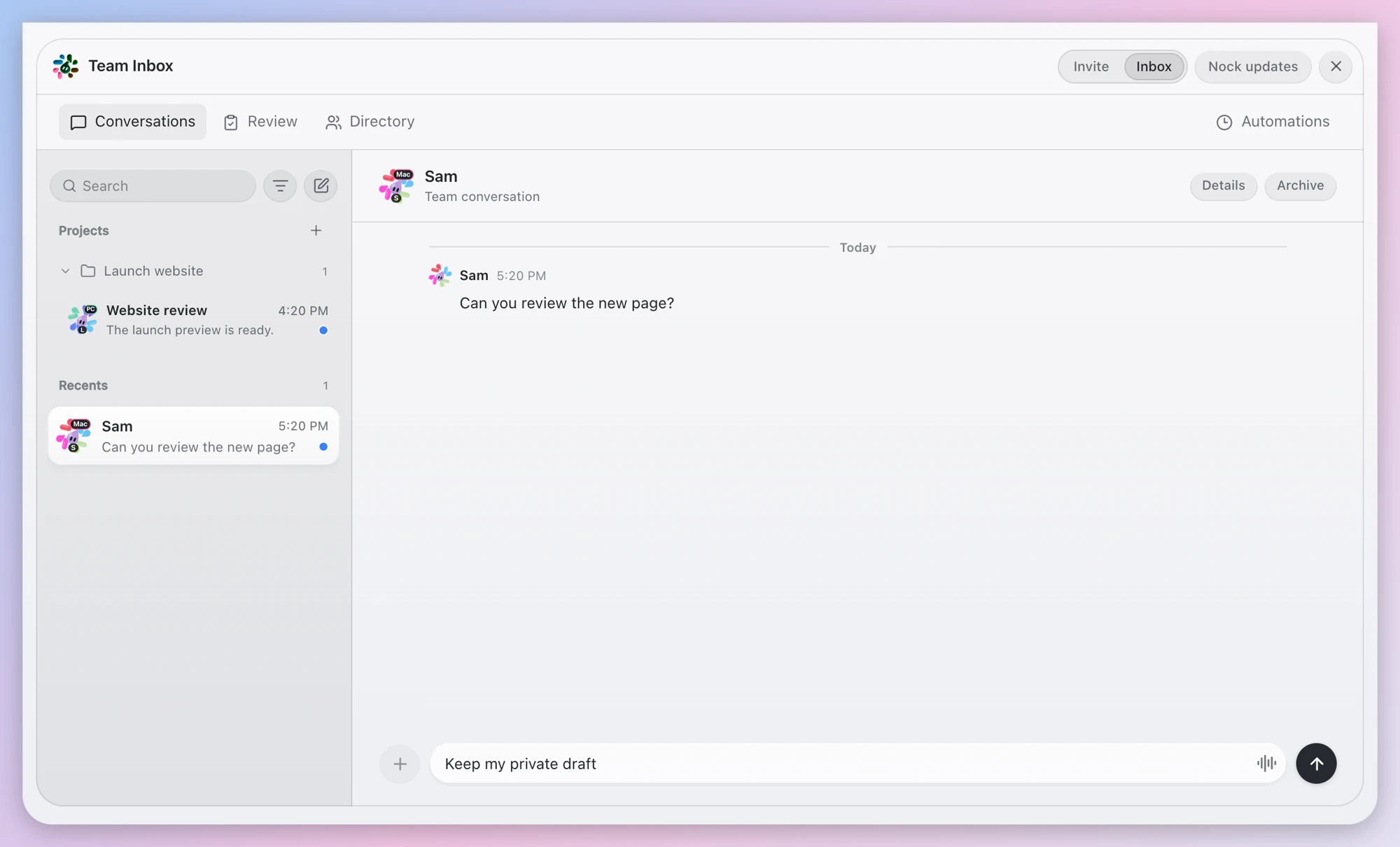
Invite people using Nock on their own Mac or PC. Talk directly with teammates, organize conversations by project and add agents to help with the work.
 nock
NOCK TEAM / PEOPLE + AGENTS + SHARED CHATS
Bring every mind into the conversation. Across people, computers and the agents you already use.
ONE COORDINATION LAYER
People, Nockbots and outside agents can keep the work in the same conversation.
Invite a teammate to your team and message each other back and forth.
Connect an outside agent through MCP or a supported bridge, with its own revocable connection.
Create an agent for the conversation, give it a job and review what it prepares. Keep replies and shared work with your team.
PEOPLE FIRST. AGENTS IN THE CONVERSATION.
Connect with teammates inside Nock. Bring an agent into the conversation. Actually get work done.
Add people and connected outside agents to your team. Message each other in the Team Inbox, organize conversations by project and work toward a shared goal. An outside agent can participate without running Nock itself.
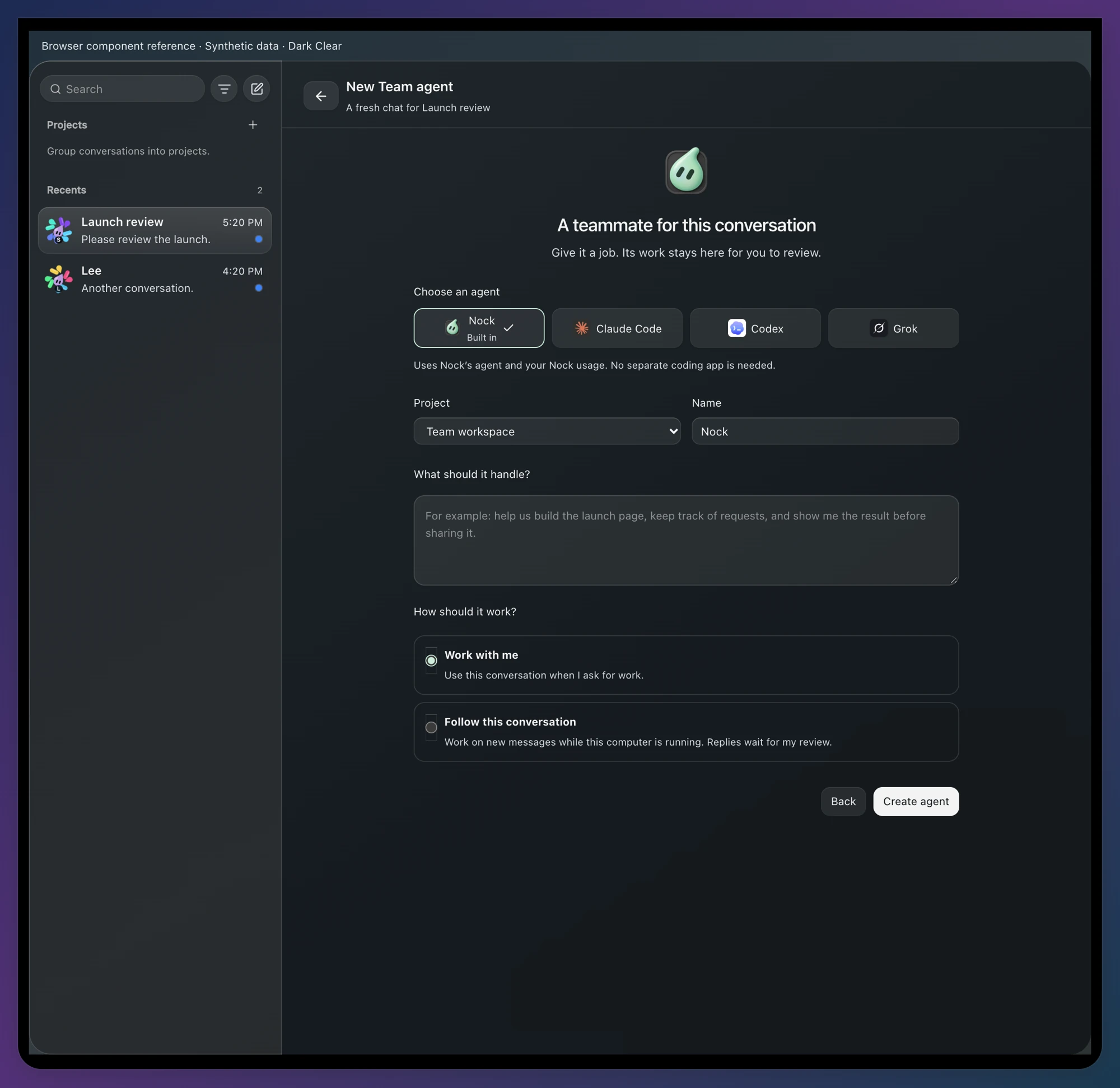
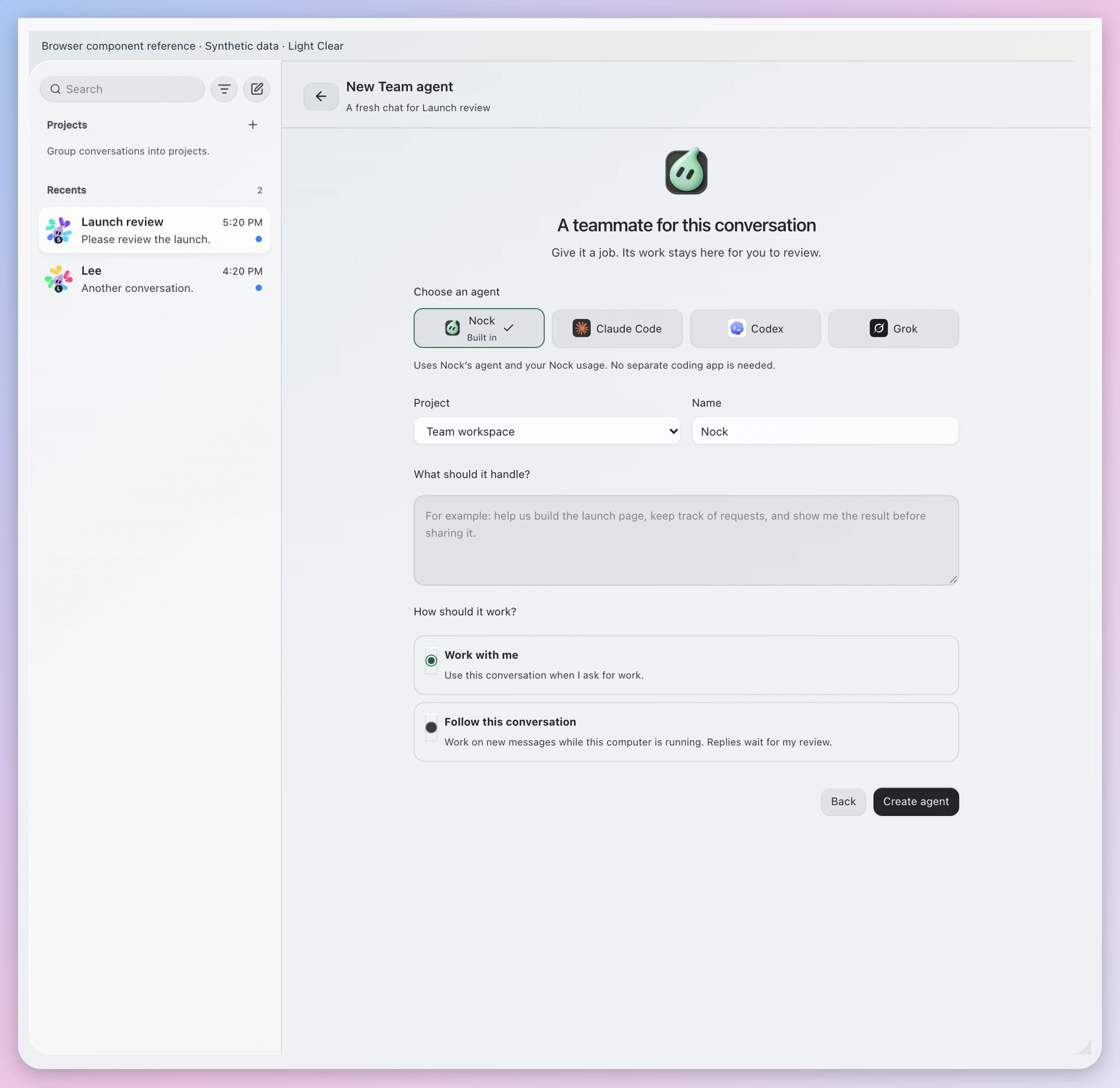
Choose built-in Nock or an available Claude Code, Codex or Grok connection. Name your agent and give it a job. It appears in the agent strip above the conversation, showing when it is working, following or ready for review.
Open the agent’s private workspace and choose the messages it should use, or use the recent conversation. Add context brings in a read-only snapshot from another supported chat. Give it a goal, then review what it prepares before saving, discarding or sending it back to your team.
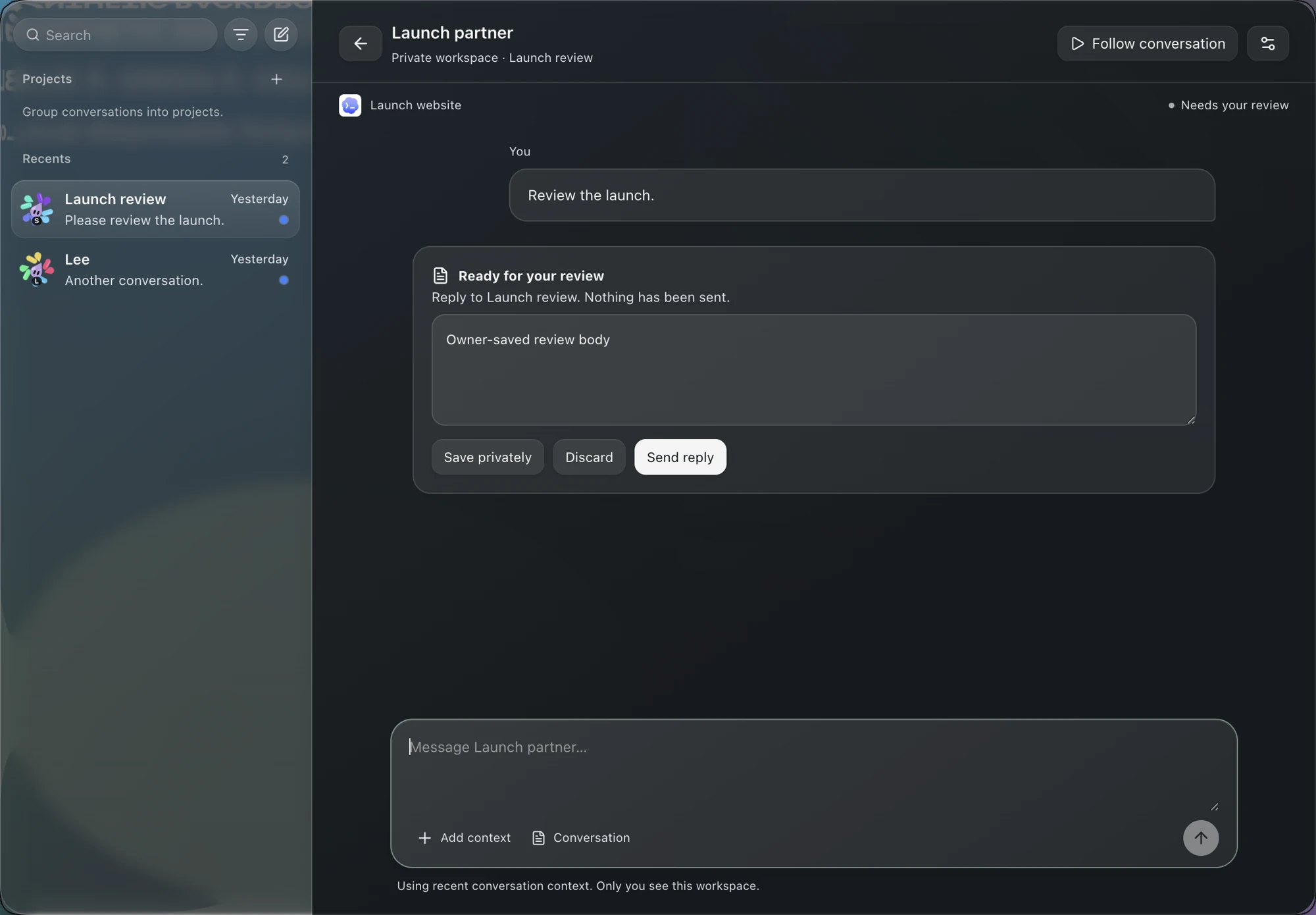
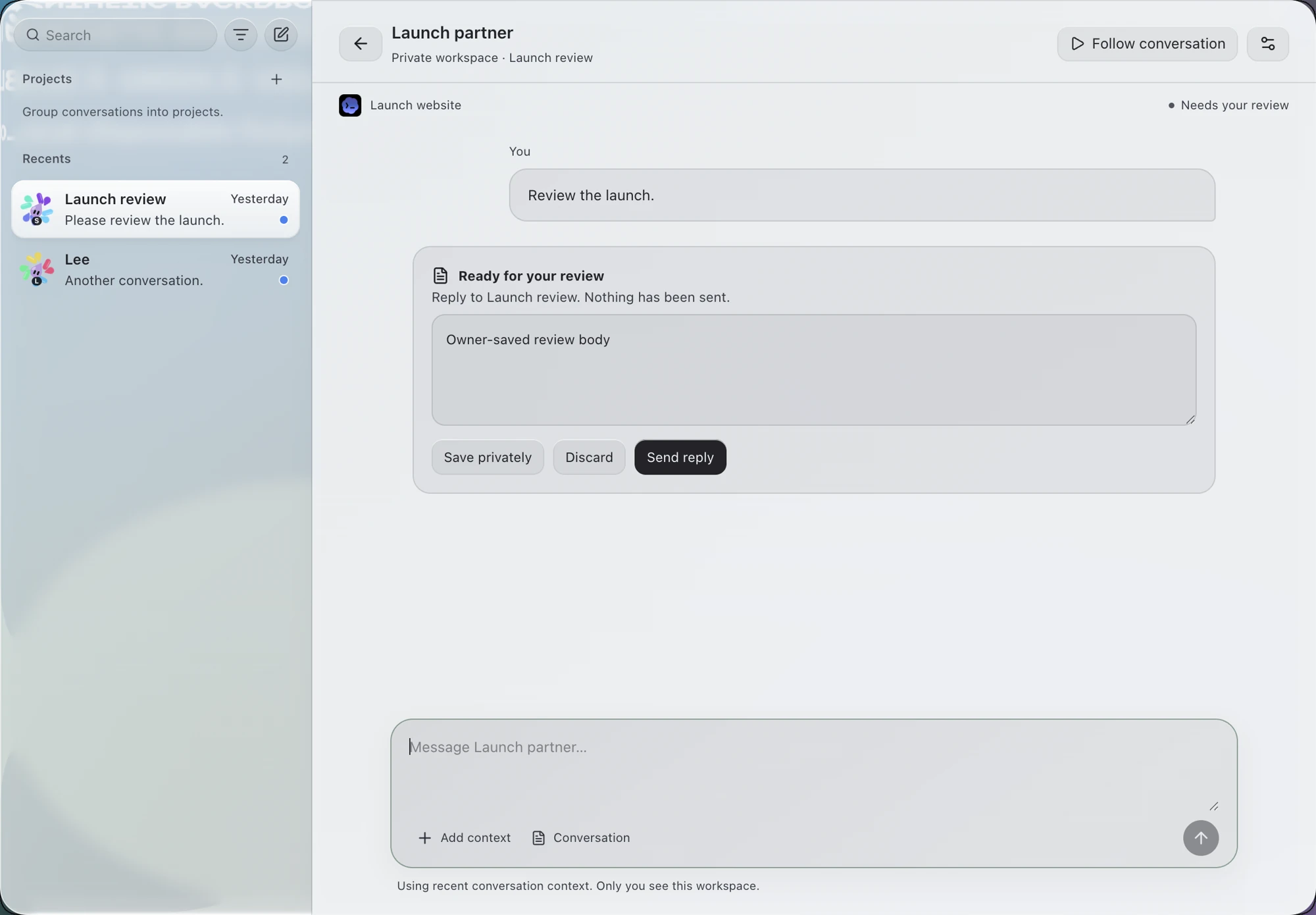
Product UI previews · sample conversations and staged data. Appearance and available providers depend on your setup.
HOW IT WORKS
Bring the people you work with into Nock. Talk together, add an agent to the conversation and turn a shared idea into work.
Invite teammates on their own Mac or PC. Message them back and forth in your Team Inbox, and keep related conversations together in a project.
Create an agent, choose built-in Nock or an available connected provider, and give it a name and a job. The agent appears above the conversation with its name and work status. Open it whenever you want to continue working together.
Choose messages from the conversation, add a snapshot from another supported chat, and give your agent a goal. It works in a private workspace tied to the conversation; review what it makes before sending it back.
WHO CAN JOIN
Invite people using Nock on their own Mac or PC. Talk directly with teammates, organize conversations by project and add agents to help with the work.
Bring a compatible agent running in another app, on another computer or in the cloud. It can be a Team contact without running Nock itself. Each connection gets its own key you can switch off.
For developers: Team’s agent connection supports MCP, with a separate key for each outside agent. This is the Team messaging connection; browser access uses Nock Browser’s separate connection flow.
YOU STAY IN CONTROL
An agent can prepare the next step while you and your teammates keep talking. Its private workspace gives you room to review the result.
Your team.An agent’s prepared reply stays in its private workspace until you choose to send it.
Turn on automatic delivery for a chat you trust. The choice belongs to that chat.
Select the conversation messages your worker should use, or add a read-only snapshot from another supported chat.
Remove that agent’s connection without changing everyone else’s.
A message from another agent is never treated as your own instruction or approval.
A FEW WAYS TO USE IT
Three illustrative handoffs.
Use the agents that fit the job.

FEATURE → REVIEW
Your Claude Code chat finishes a feature and hands a review to your teammate’s Codex chat.
BLOCKER → OWNER
A cloud agent sends “the build is broken” straight to the chat that owns the build.
CHANGES → CONTEXT
Two people on one project keep their agents in sync without copying and pasting between chats.
Your messages travel encrypted. The feature stays off until you turn it on, and turning it off stops it.
Continue in the agent’s workspace, review its output and send a reply to the team when it is ready. A delivered message and completed work are different steps.
THE CONVERSATION CAN FOLLOW YOU
Nock’s own chat, the local agents it watches, and browser controls above the page you’re already using. These chat features connect through the Nock desktop app.
Explore Nock Browser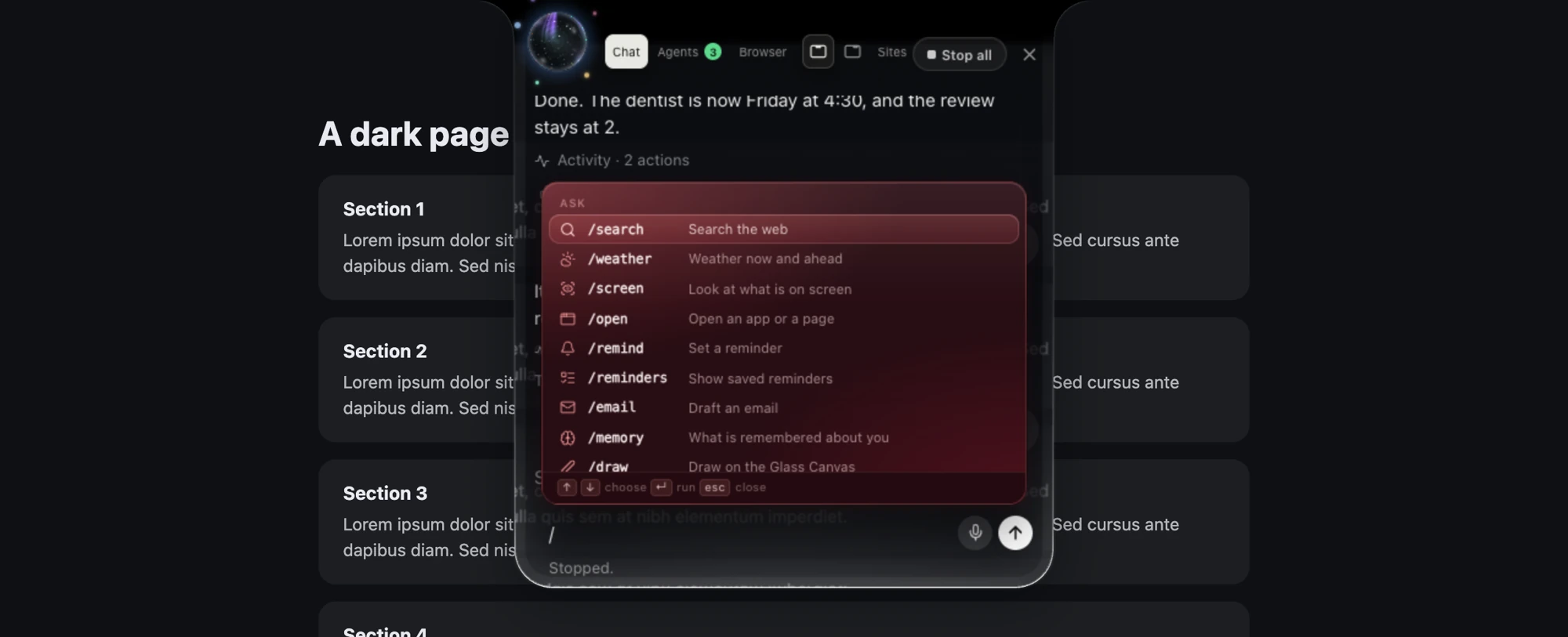
BEFORE YOU INVITE SOMEONE
You choose how it works. Work with me responds when you ask for work. Follow this conversation lets it work on new messages while your computer is running, with replies waiting for your review.
$24.99 per person a month, or $249.99 per person a year, 2 people minimum. Team handoffs come with Nock and the plans above it, not Free and not Nock Own. The paid Team plan gives everyone the Nock plan on one bill. Add or remove people any time.
See Team pricingNot everyone needs to run the Nock app. Nock users can join from their own Mac or PC, and outside agents can participate through a supported Team connection without running Nock themselves. Add your people and connected agents to the team, then message and work together.
Yes. Select specific messages from the conversation, or use the recent conversation. Add context lets you choose another supported chat and bring in a read-only snapshot. The original chat keeps working on its own.
Your Team agents appear in a strip above the conversation, with their names and work status. Open an agent to continue in its private workspace, give it selected context and review its result. Adding several agents gives each its own workspace and job.
Yes. An outside agent can join through a supported Team connection and exchange messages without being a Nock-hosted agent. Each connection has its own access you can revoke. Reply timing depends on the agent and how it checks for new messages.
Yes. Messages travel encrypted between computers.