“Nock, show me where my event was saved.”
Get help right on your screen.
In Apple Calendar, Nock highlights the saved event and the calendar it’s on, then shows you how to open the event details.
 Apple Calendar On-screen guidancenock
YOUR ON-SCREEN AI TEACHING AGENT
An assistant that
shows you how.
Nock is an on-screen AI teaching agent for Mac and Windows that explains what you’re looking at, draws in 2D and 3D, and takes actions in apps when you ask. It can point out where to click in Calendar or draw a jet engine you can explore in 3D.
Talk. Think. Make it happen.
Every chat in reach.
Pick up where you left off.
Real windows. Real conversations.
Open a strip and take a closer look.
Talk to Nock without leaving what you’re doing. A little space to listen, think and answer.
Recorded in the Nock app · Silent excerptUse fullscreen for a closer look.
Keep your sessions within reach. Open a conversation, see what’s happening and pick up the thread.
Recorded in the Nock app · Silent excerptUse fullscreen for a closer look.
Bring people and connected agents into the same inbox. Send a handoff, share context and keep the conversation moving.
Recorded in the Nock app · Silent excerptMeet your connected teamUse fullscreen for a closer look.
From the teaching canvas
It’s incredible.
Full drawing lessons. Real teaching.
And your drawings, turned into websites in Three.js.
Drag to orbit, or scroll briefly to zoom. Keep scrolling to move down the page. Replay the landing or show the deck as a 3D schematic. The carrier and fighter are reconstructions for the web, not an exact export of a saved Nock sheet.
Open the study“Nock, show me where my event was saved.”
In Apple Calendar, Nock highlights the saved event and the calendar it’s on, then shows you how to open the event details.
Apple Calendar On-screen guidance“Nock, what does this line of code do?”
Circle the bit you mean and ask out loud.
Circle App recording“Nock, draw how a rocket gets to orbit.”
Follow along as Nock draws the Falcon 9, labels the fuel and thrust, and traces the path into orbit.
Launch, orbit, return 2D recording“Show me what’s inside a mechanical watch.”
Watch the case, gears, and dial pull apart beside Nock’s drawing of the mechanism.
Mechanical watch 3D recording“Nock, show me how a jet approaches a runway.”
A jet flies over open water as Nock builds an island runway beneath it and shows the approach from different angles.
Island approach 3D recording“Open up a jet engine and show me the airflow.”
See the wireframe turn into a cutaway and follow the air around the hot core.
Turbofan cutaway 3D recordingHold your dictation shortcut and speak. Nock types your words wherever your cursor is, in the app you’re already using.
On Mac, highlight text and tell Nock what to change. Clean it up, rewrite it, or turn it into a prompt, a reply, or something new.
Hold the shortcut and circle anything on your screen. Show Nock exactly what you mean, then ask about it or tell it what to do.
Nock finishes your sentences and your code. Ghost text appears at your cursor across your apps. Press your accept key to keep it.
In Nock⌃ ⌥ + dragCircle what you mean.
A CONVERSATION WITH NOCK
Hover. Speak. Keep the thought going. Nock opens just enough to hear you, answer, and get out of your way.
Ask Nock ↗Sample weather, shown in Nock’s own widget.
Studio preview and notch play 16 secOpen a chat beside the Agents panel, group sessions by project, and tuck a chat into an orb while you get back to work.
Hold ⌥⌘ on Mac to talk to Chat Manager. Ask what your chats decided, what’s waiting on you, or what you should tackle next.
On Free, Chat Manager runs on your ChatGPT plan through Codex, another supported AI plan, or your own API key.
Choose a chat in the Agents panel.
Interactive example · Replies stay in this page
Scripted example · Sample chats
Included in Free
Open, switch between, and reply to chats from the Agents panel. These controls work on Free with or without a connected AI plan.
See the Free planA little closer to your work
Claude Code, Codex, OpenCode.
Your conversations, brought together.
Pick one up without hunting for a terminal.
When you send to a session still open in your own terminal, Nock continues a copy. Your original keeps running independently. External agents use their own accounts and subscriptions. Pick up your coding chats and keep working through Nock on Mac and Windows.
Running now
One coordination layer
A shared home for your people, agents and chats. Nock’s protocol connects them so they can talk, share context and hand off work.
 Cursor
 Muse
 Grok
 Claude Code
 Codex
 Gemini
 Copilot
 OpenCode
Connect through MCP or a supported bridge. Your outside agent can join the team conversation and send handoffs.
Invite a teammate, choose the chats to share and keep the conversation in one Team inbox.
Talk through an idea.
Give it somewhere to go.
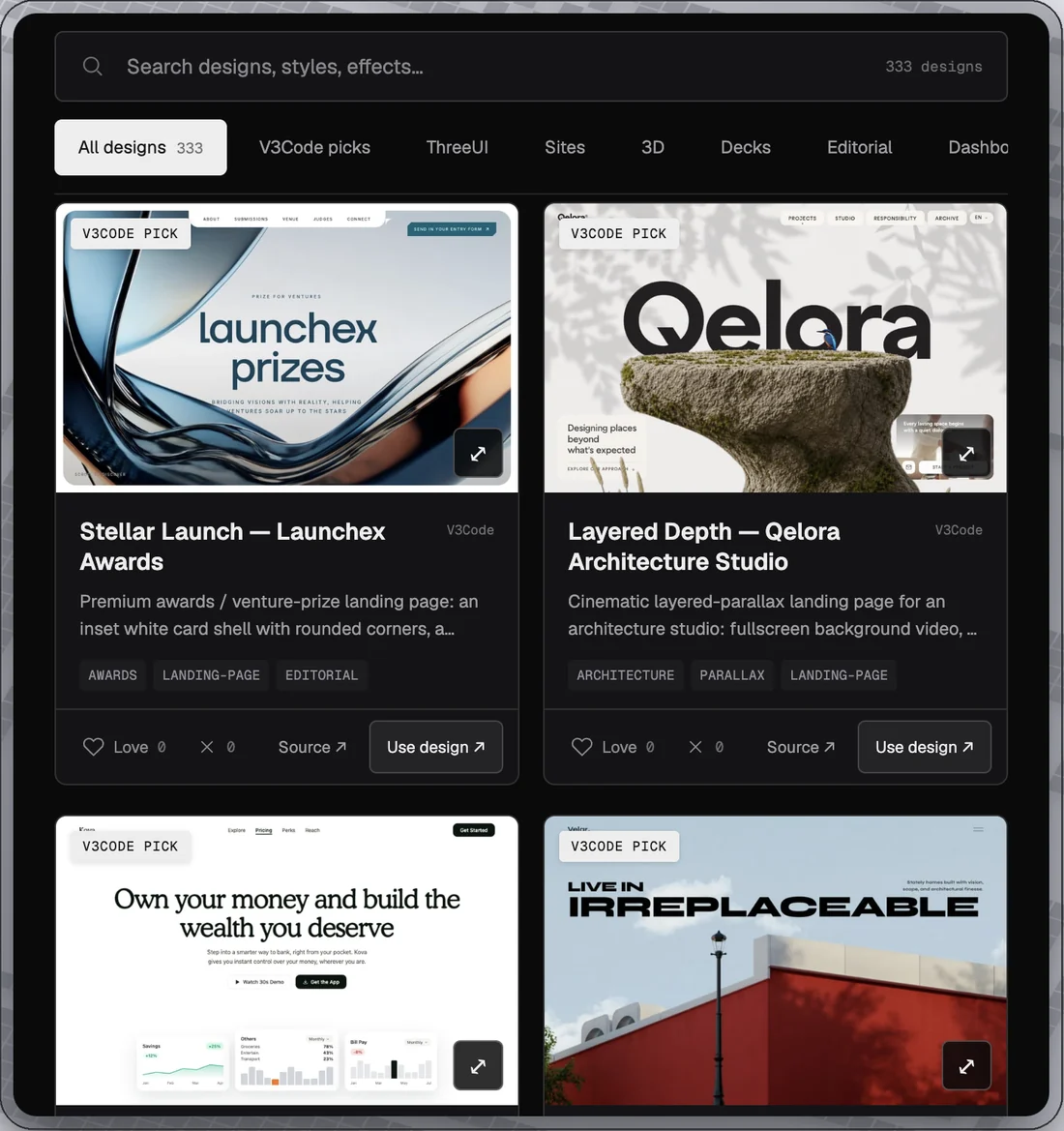
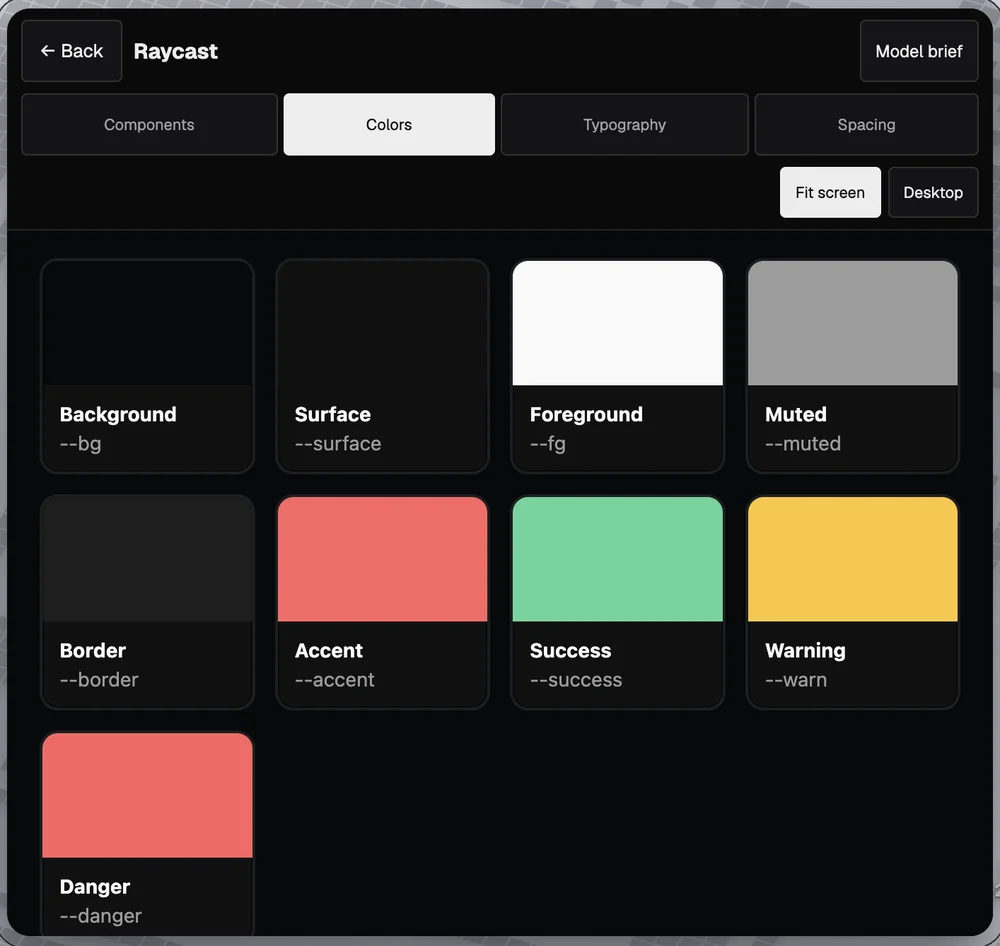
Start with something you like. Make it your own.
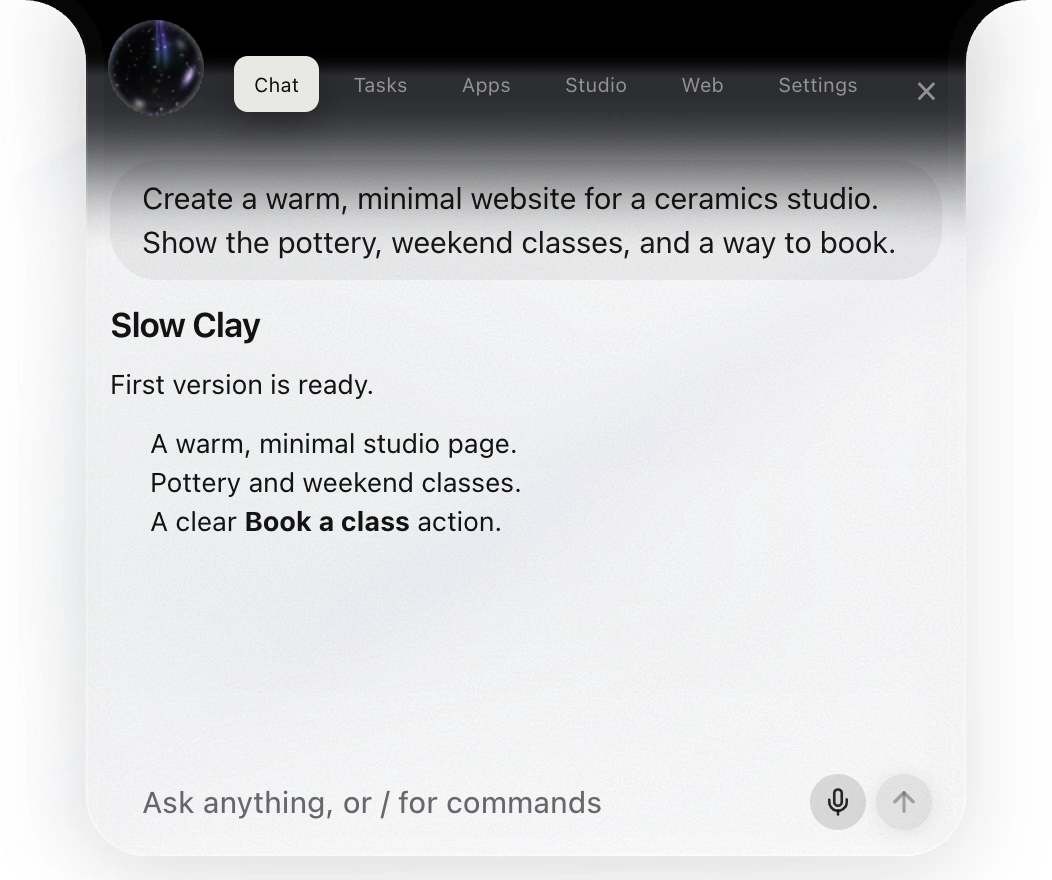
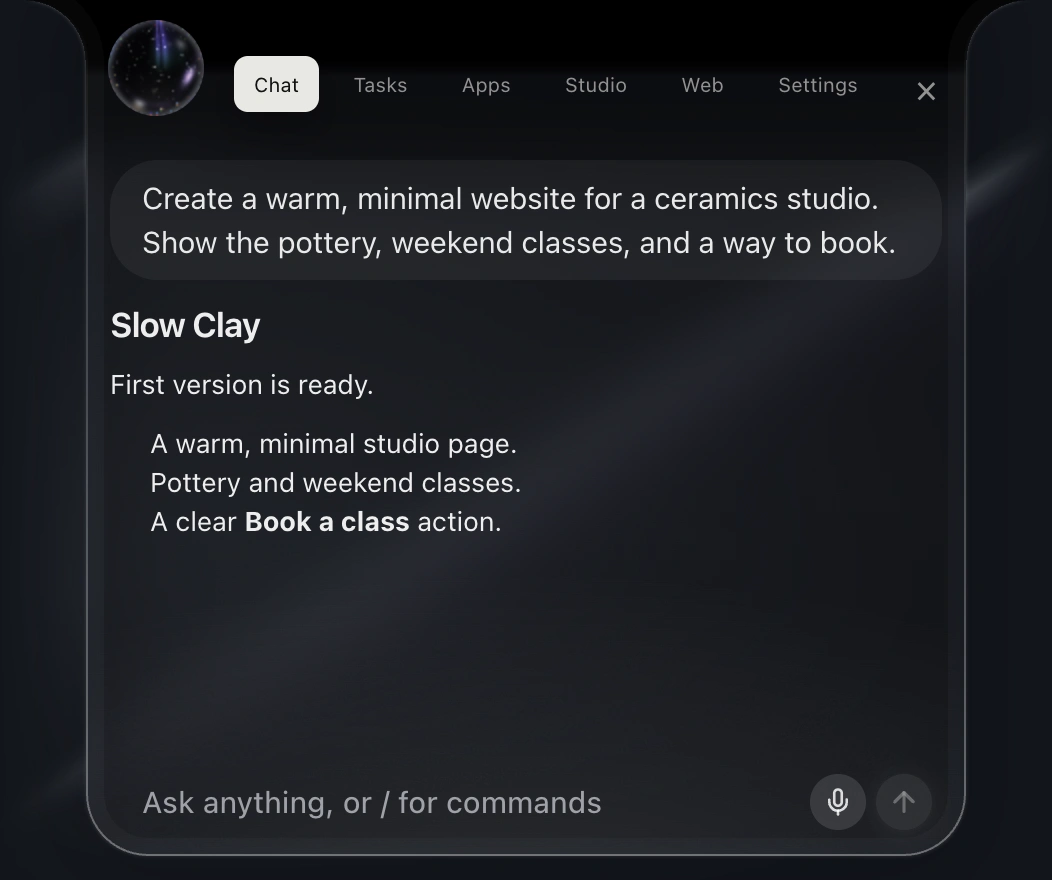
Say what you have in mind. Watch the first version take shape.
Get into the project. Shape the details with your engineering agent.
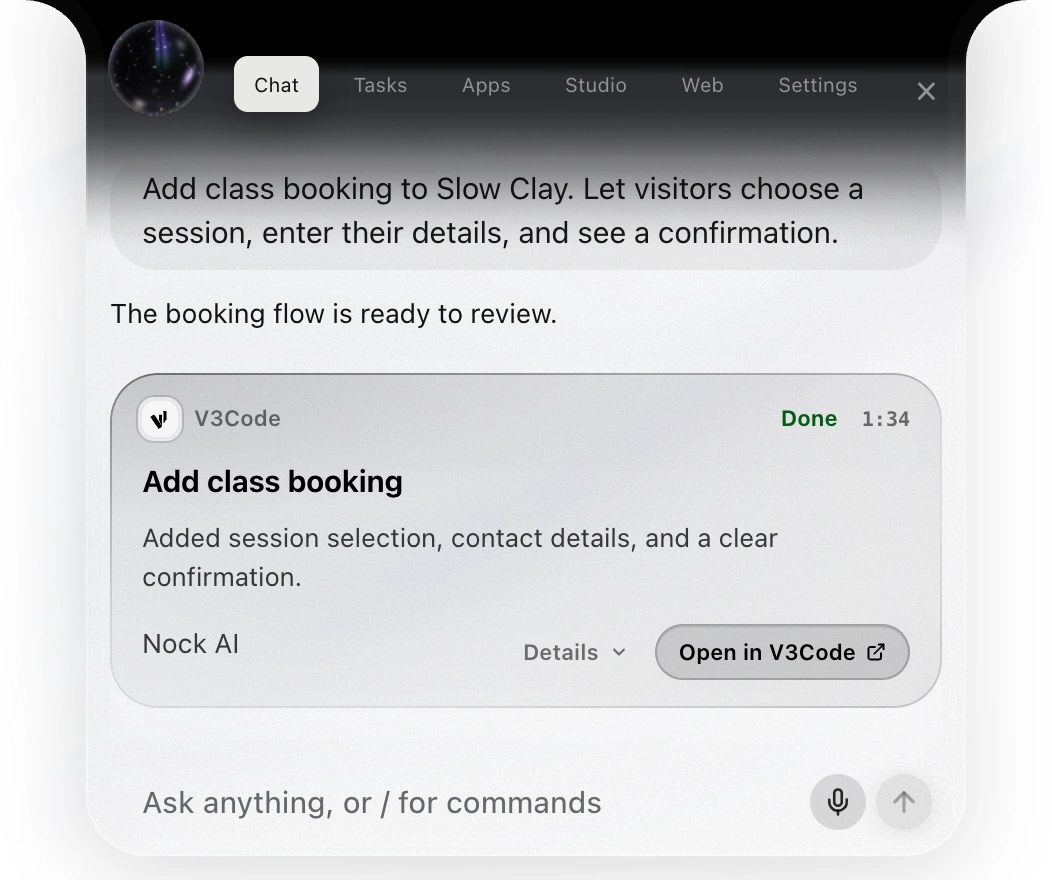
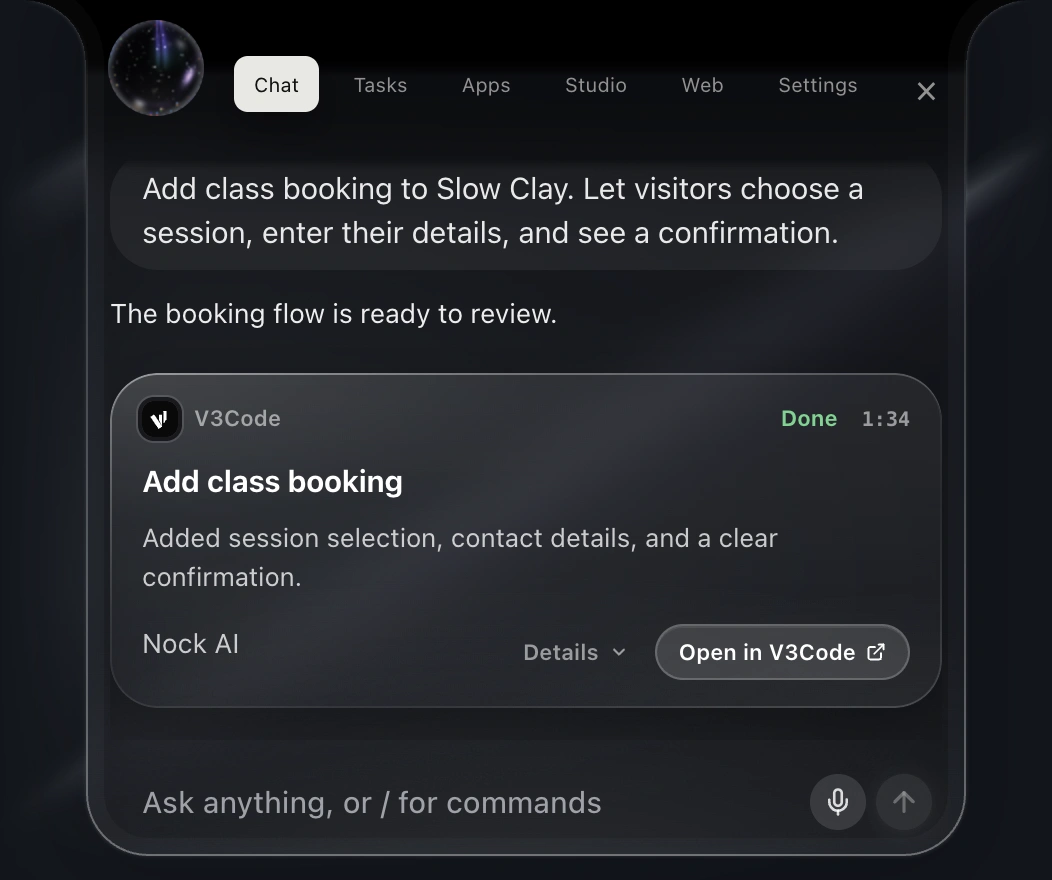
A LOOK INSIDE NOCK
A few of the things waiting inside Nock. Hover or tap a card to see it work.
Explore all 12 examplesYour computer. Your AI. Your call.
Keep dictation and voice on your Mac or PC, bring your own keys, and choose what leaves your device.
NockSETTINGS GUIDESelect a row to see what it does.
This switch turns your speech into text only on your computer. Your audio never leaves it.
Available on every plan. Your requests go straight to your own provider, not through Nock, though finished chats are still shared with Nock’s server while ‘Help improve Nock’ is on.
Optional counts, such as a dictation finishing or how long something took. Never your words, audio or file names. Turn it off in Settings → General → Share usage data.
Nock is built by a single developer. When 'Help improve Nock' is on, the text of your finished chats is sent to Nock's server so I can see when something broke for you. It is used only for that, never to train any model or for anything else, and you can turn it off in Settings. I'd really appreciate it if you left it on.
Never on our servers.
We never use them to train AI.
Your words go straight to your provider.
Cloud features send your request when you use them.
Privacy, in plain wordsStill not sure?
See where Nock fits. Get a second opinion from the AI you already use.
Choose an AI to copy & open. Paste the prompt into your chat.
Nock creator program
Make a Nock demo, tutorial, or post.
Share your code. Earn when your viewers become paying customers.
Nock creators
Your recurring commission.
Recurring on eligible Nock paid revenue
for up to 12 paid months. See details
Less back and forth. More you.




















 Ask ChatGPT