




Your day
- Weather
- Forecast
- Sun
- Clock
- World clock
- Calendar
- Year progress
- Moon
 nock
Meet your everyday Nock
From the words at your cursor to the idea you want to build. A little help, right where you are.
Take a closer lookStart with a thought.
A few words can go a long way.Dictation
Put your cursor where you want the words. Speak, and Nock types there. Use free offline dictation or choose the cloud.
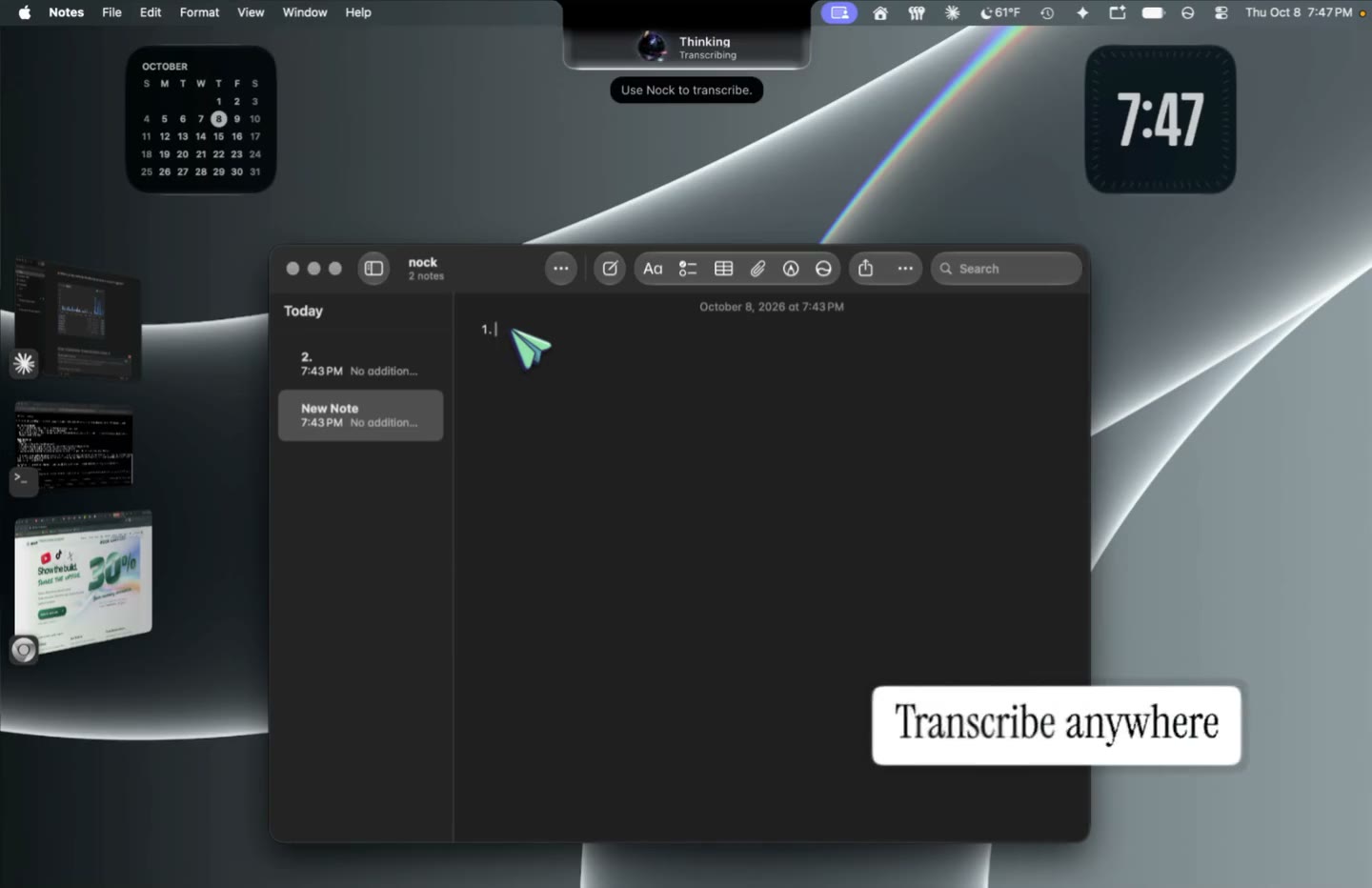 Watch Dictation Recorded in Nock Your voice. Your words.
Autocomplete
Start typing in another app. Nock suggests what comes next, right at your cursor. Keep writing where you already are.
Talk to Nock
Point at the part of your screen you mean and ask. Nock can read it, answer out loud, and help with the next action.
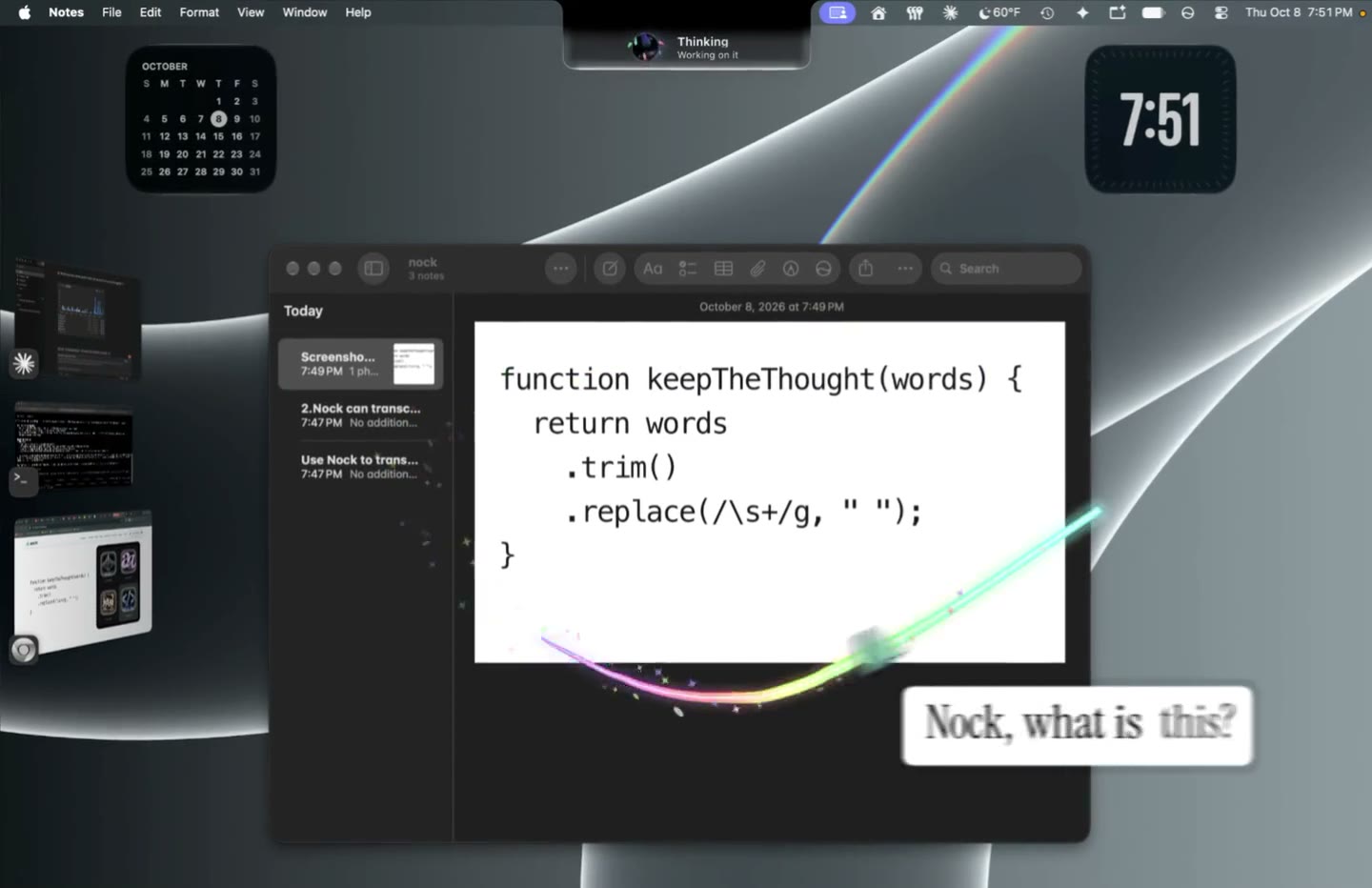 Watch Talk to Nock Recorded in Nock Point it out. Talk it through.
Keep the work together.
Your apps. Your chats. The next step.Your apps
Find an email, check your calendar, or draft a reply. Ask Nock to help with the apps you connect.
Your chats
Nock picks up agent conversations already open on your computer, in terminals and apps. Follow what’s happening, open the work, and continue the conversation through Nock.
Browser & computer
Nock has its own browser. Ask it to read, search, and navigate a website using the page’s buttons and text. It can also click and type in other apps.
Make something of it.
Big projects and useful little things.Build & design
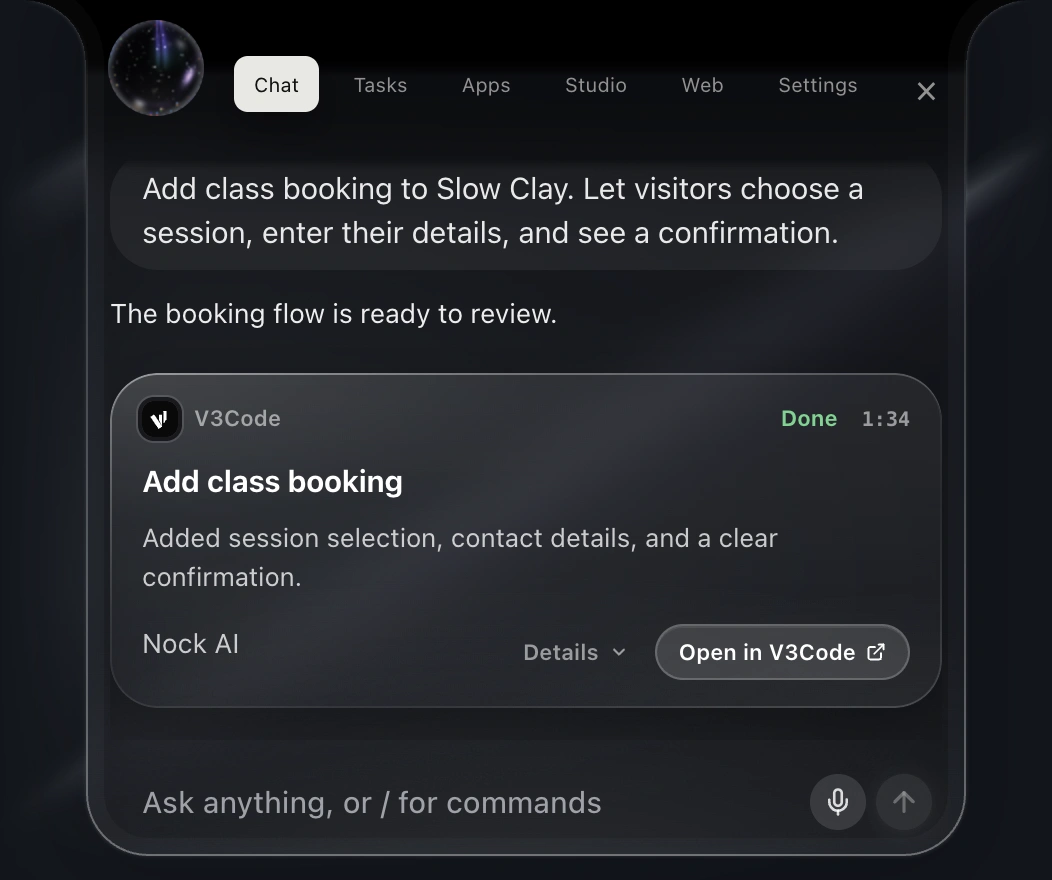
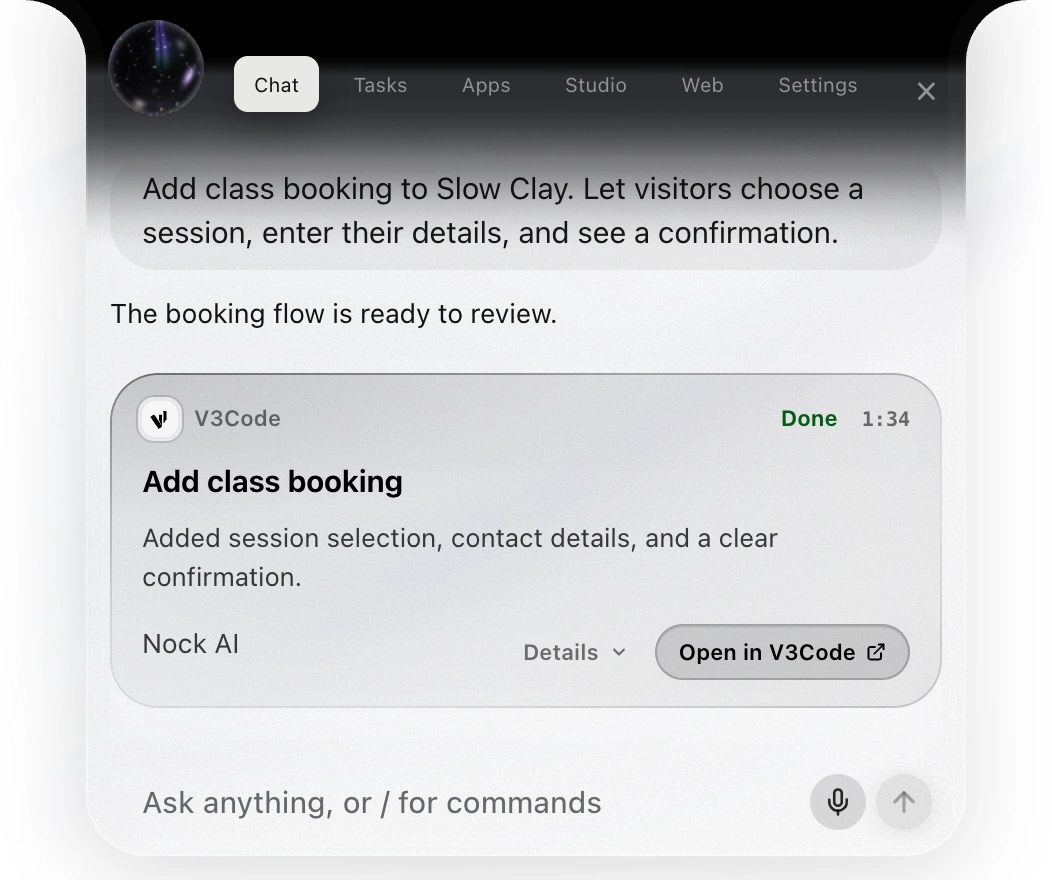
Make a website, an app, or a change to an existing project. V3Code brings the code index, editor, and tools to do the work. Keep giving direction as it builds.
Apps & widgets
Keep weather, clocks, your calendar, quick calculations and computer stats close by. Choose a built-in widget, or use Nock’s widget builder to make a tool, dashboard or little game your way.
Canvas & diagrams
Open your canvas with a shortcut you choose. Ask Nock to draw a diagram, sketch it yourself, or bring notes, screenshots and website cards together. Export the board as a standalone HTML page to keep or share.
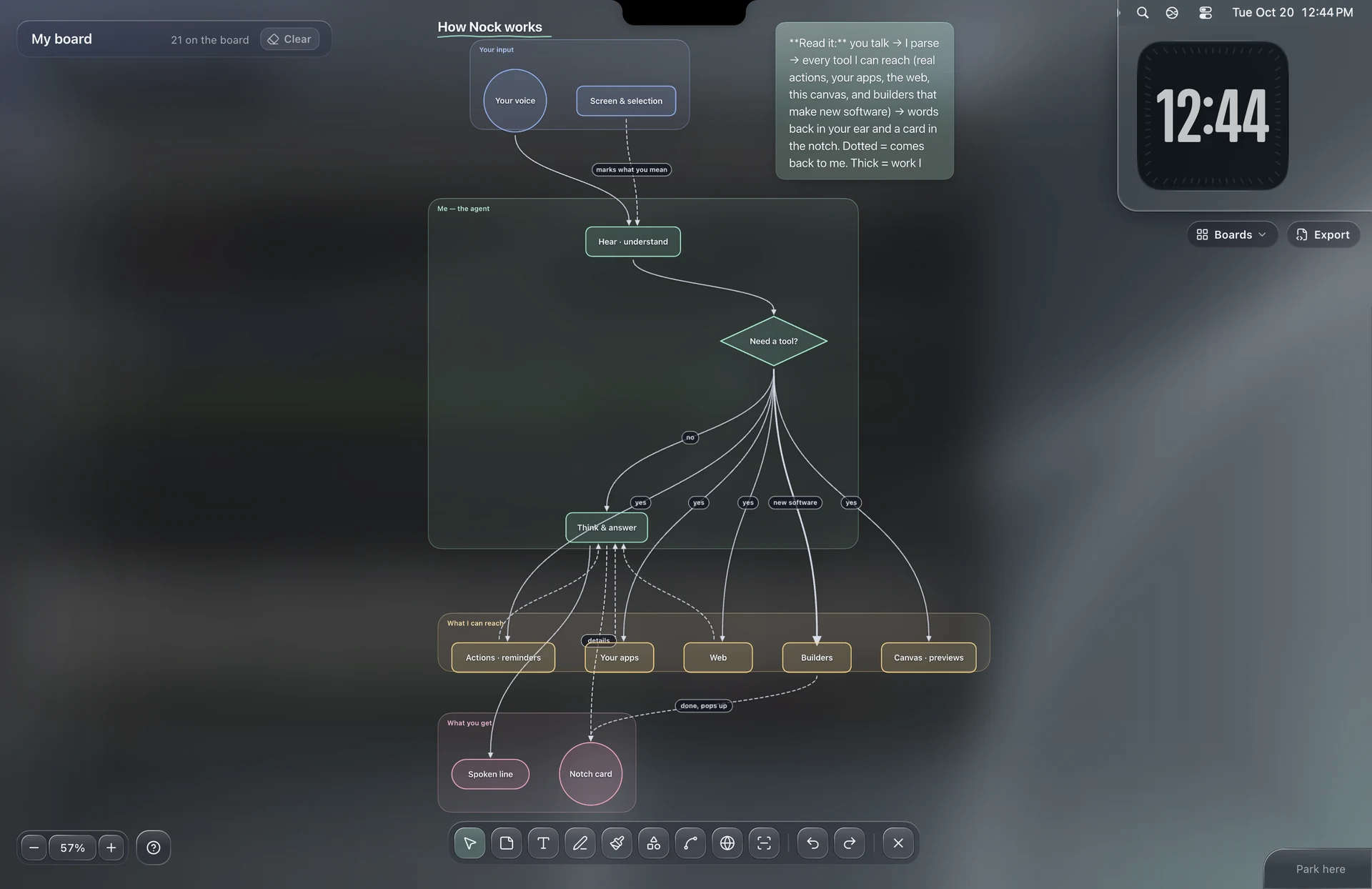 Open the Canvas example ↗
Keep going, your way.
A little help, wherever the day goes.Nockbot
Cloud bots and the cloud computer are in the works and not available yet. The idea is a bot with its own computer you could follow from your phone or the app.
Reminders & routines
Ask for a reminder, a timer, or time to focus. Cloud routines for a cloud bot are in the works and not available yet.
Game Mode
Nock keeps your words out of the game. While a game is in front, it won’t type or paste into it.
From the first idea to the next release
Powered by V3Code. Your project, understood.
Choose a direction. Make it. Keep making it better.
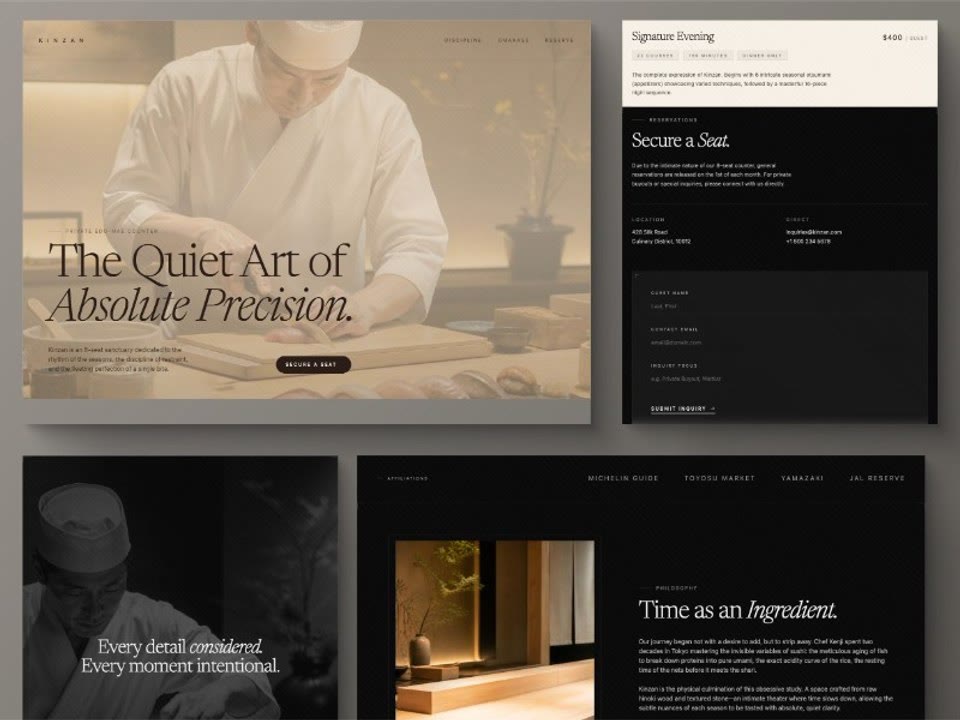
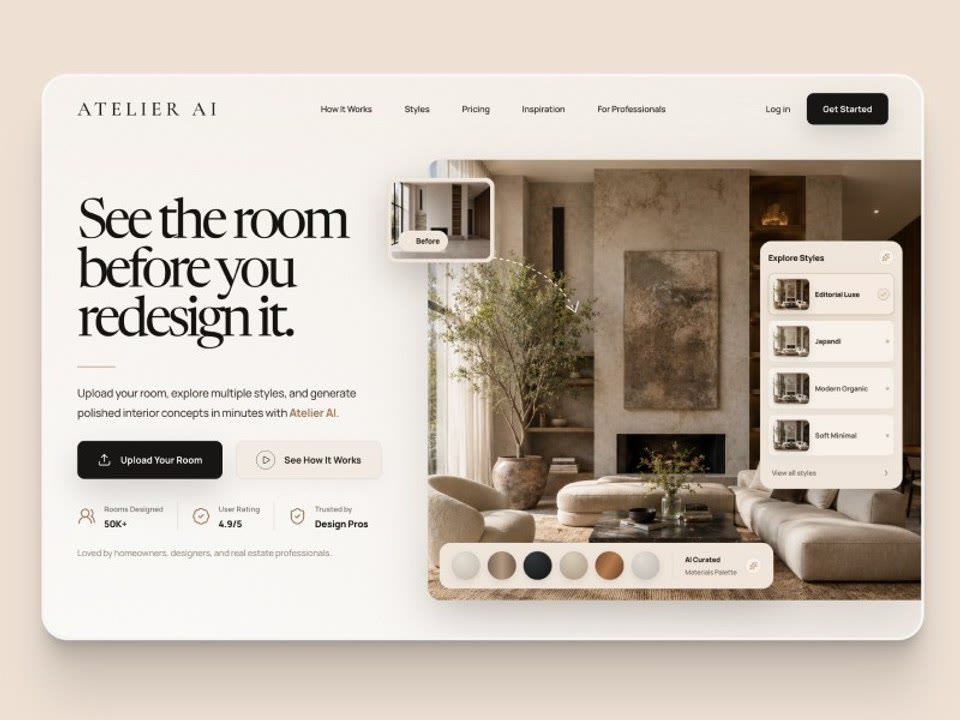
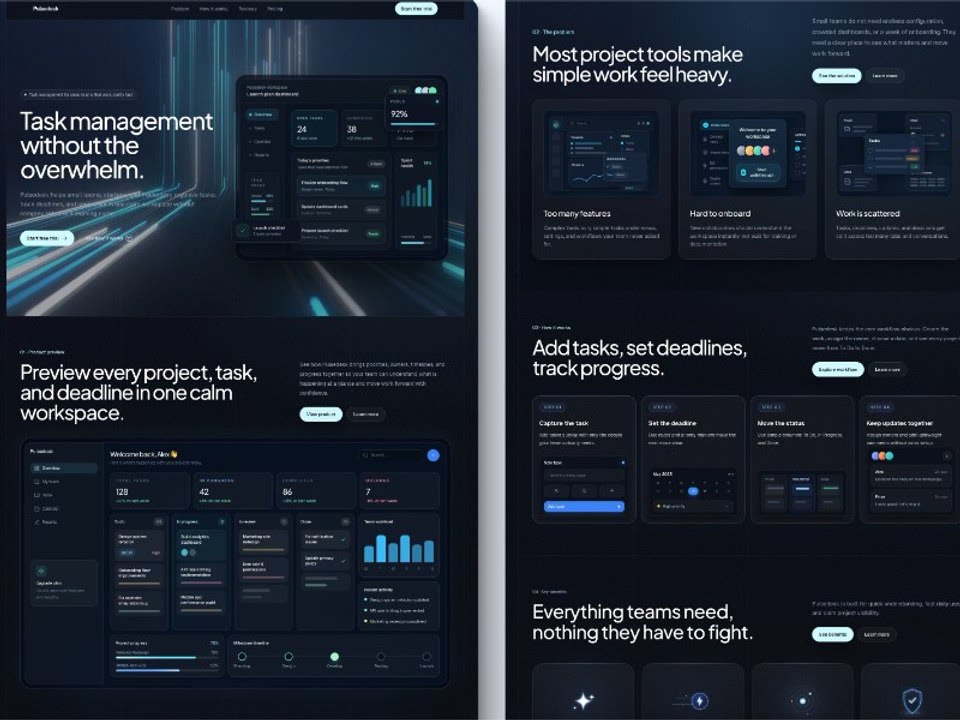
Example designs to spark your next project.
Find code by what it does, across your project. The index follows your files as they change.
An editor, language servers, errors, definitions, files, and a terminal for the actual work.
See design directions from the V3Code library. Pick one for Nock to build from.
Ask for a picture, bring your own, or use one from the web while the project takes shape.
Give the next change by voice. Open the task’s own chat, changes, and files to work with it directly.
Use V3Code with your plan, or Claude Code, Codex, or Grok Bot with your own subscription.
Your idea. Keep making it better.
Explore building with NockA few useful details
Before you make it part of your day.
In the text field you’re writing in. Put your cursor where you want the words, then speak. Nock types there.
Yes. Dictation and natural spoken replies on your own computer are free and unlimited. Free also includes talk with Nock, 25 agent tasks a month and 5 free 3D drawings.
See what’s includedYes. Choose On this computer for dictation and turn on the setting that keeps your voice on this computer. It works offline. You can also choose Automatic, or Cloud on a paid plan.
Cloud bots and the cloud computer are in the works and not available yet. The idea is a Nockbot with its own cloud computer you could follow from your phone or the app. There is nothing to buy or sign up for today.
Meet NockbotStart with free dictation