THE STORY OF NOCK
Good ideas don’t
stay in one window.
Nock is an on-screen AI teaching agent for Mac and Windows that explains what you’re looking at, draws in 2D and 3D, and takes actions in apps when you ask. It can point out where to click in Calendar or draw a jet engine you can explore in 3D.
Here’s how it started01THE BEGINNING
An editor. A terminal.
A bigger idea.
V3Code brings together a terminal coding agent and an editor built on the open-source foundation of VS Code. Nock builds on that terminal engine and brings along code tools from the editor, too.
Nock can read and edit files, run commands, find code and check changes. Indexing, language tools and memory help it understand the work around your request.
Working on those tools raised a question: why should that help stop when you leave the editor? The next thought might happen in an email, a browser, a document, or a conversation with another agent.
That question became Nock.
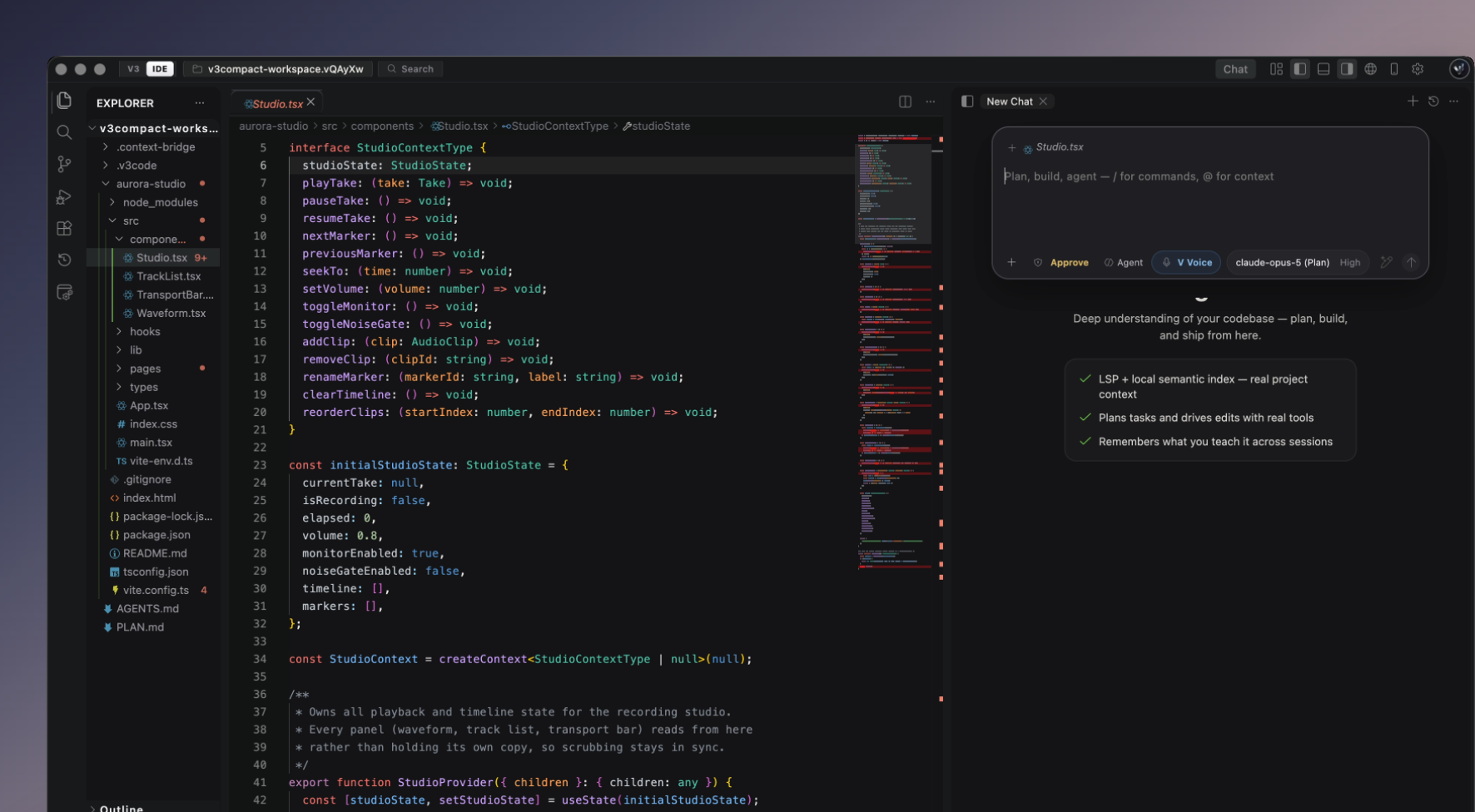
 V3Code, where this story began.Explore the editor
- PROJECT INDEXINGFind the right code.
- A local index helps Nock search a project by what the code does, even when you don’t know the file name.
- LANGUAGE TOOLS · LSPFollow how it works.
- Find definitions, follow references and catch errors as you build.
- MEMORYCarry context forward.
- Keep useful notes and past decisions close by, so the next conversation has somewhere to start.
02A NOTE FROM THE CREATOR
Start withthe words.

I wanted to say it once.
And keep going.
I kept running into the same problem with transcription. I would say what I meant, then spend time fixing what came out. The interruption wasn’t just the extra typing. It was losing the thought while I cleaned up the words.
That became one of the reasons to build Nock. I wanted voice to feel useful in the middle of real work: getting a message down, explaining an idea, or giving an agent the next instruction.
And I didn’t want another app demanding the whole screen. I wanted something close by, ready to help, that left room for what I was already doing.
That’s why I made Nock.
03A SMALL PLACE ON YOUR SCREEN
There when you need it.
Room when you don’t.
Nock lives at the top of your screen: in the notch on Mac, or a top bar on Windows. It opens when you want to talk, shows the reply, and lets you return to the work underneath.
Dictate into the place you’re already typing. Show Nock the part of your screen you mean. Ask for help with a connected app. You can start with the task in front of you.

04BEYOND THE EDITOR
That next-word feeling.
Wherever you type.
In a code editor, a suggestion can help you finish the next line. Nock brings that idea to the places you write every day.
Autocomplete can help finish a sentence or a line of code at your cursor in other apps. Take the suggestion if it fits, or keep typing in your own direction. Your email, document, code, or prompt stays right where it is.
Voice when you want to speak. Suggestions when you want to type. Both make room for the same thing: what you’re trying to say.
05FROM A REQUEST TO A FINISHED TASK
Your computer.
Nock can work in it.
Give the thought somewhere to go.
Sometimes you need an answer. Sometimes you need someone to do the steps. Nock has full computer use on Windows and Mac, plus full browser use for work on the web.
It can move through apps, use the mouse and keyboard, and work across pages. The same request can lead from an idea to a file, a checked website, or a task carried through in an app.
ON YOUR COMPUTER · WINDOWS + MAC
Work with the app in front of you.
Ask Nock to open an app, click its controls, type into fields, or test a flow in something you’re building. It can see the screen and act on it.
IN NOCK’S BROWSER
Follow the task across the web.
Open pages, search, fill forms and work in accounts you’ve signed into in Nock’s browser. On X, for example, ask it to find a conversation, read the thread and help prepare a reply.
06NOCK TODAY
A small beginning.
More ways to make things.
That little place on your screen has grown. Nock can help with your connected apps, bring your coding-agent conversations together, and build software with V3Code.
There’s a Studio for widgets and small tools, a browser for work on the web, and Nockbot. Cloud bots and the cloud computer are in the works and not available yet.
The reason behind it is still the same. Help should meet you in the middle of what you’re doing—and help you carry it through.
 NockA little help, wherever you work.V3CodeThe tools to take an idea further.
AN EARLIER CHAPTER
Step inside the original Nock.
Before this site, Nock had a little universe of its own. The interactive first version is still here to explore.
Explore the original site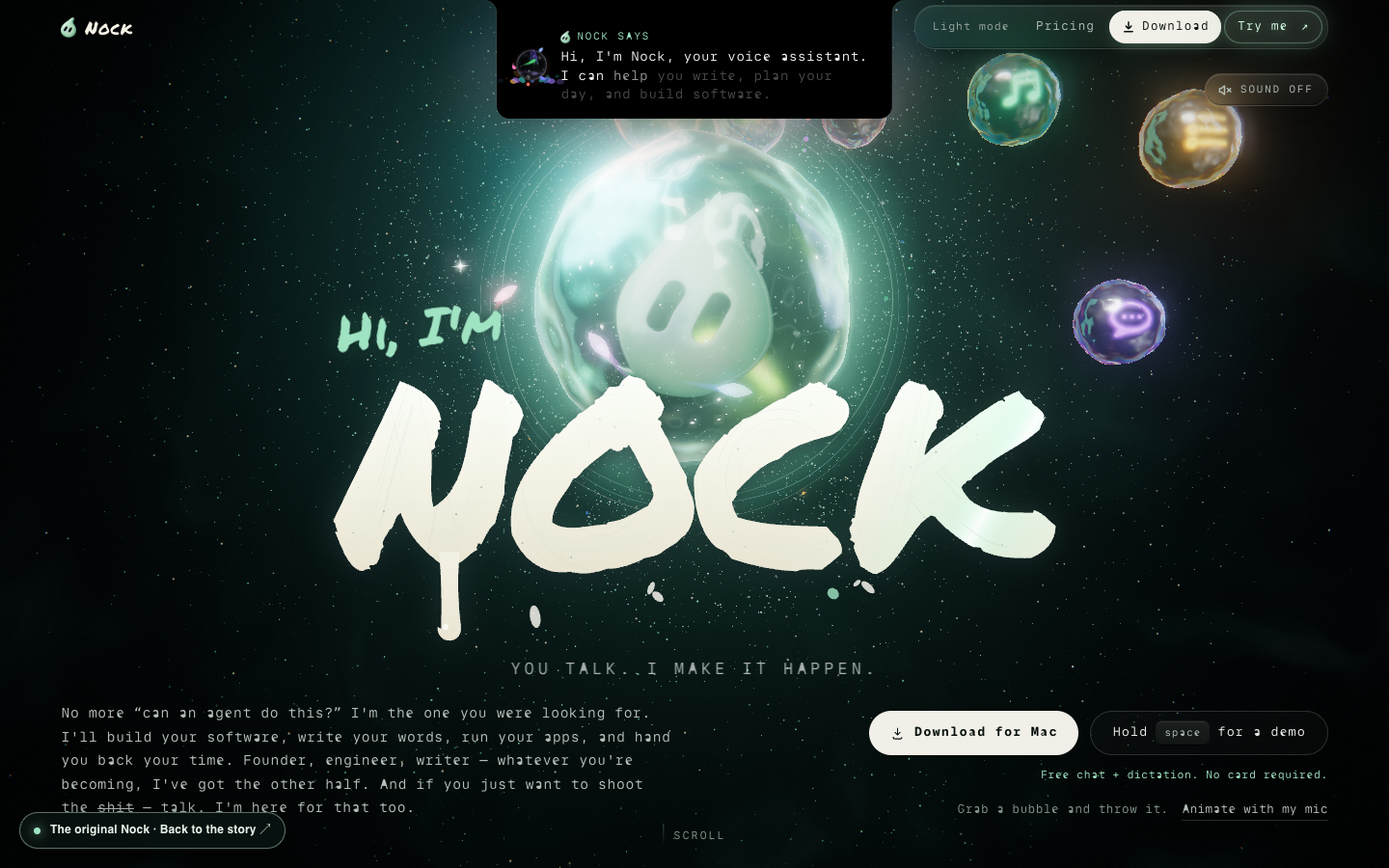 ENTER THE ORIGINAL ↗
A LOOK INSIDE NOCK
Take a look around.
The same tour that welcomes you to Nock. Scroll through the examples, then hover or tap a card to see it work.
Start with whatever you have in mind.
Get Nock