“Make a small website for my studio.”
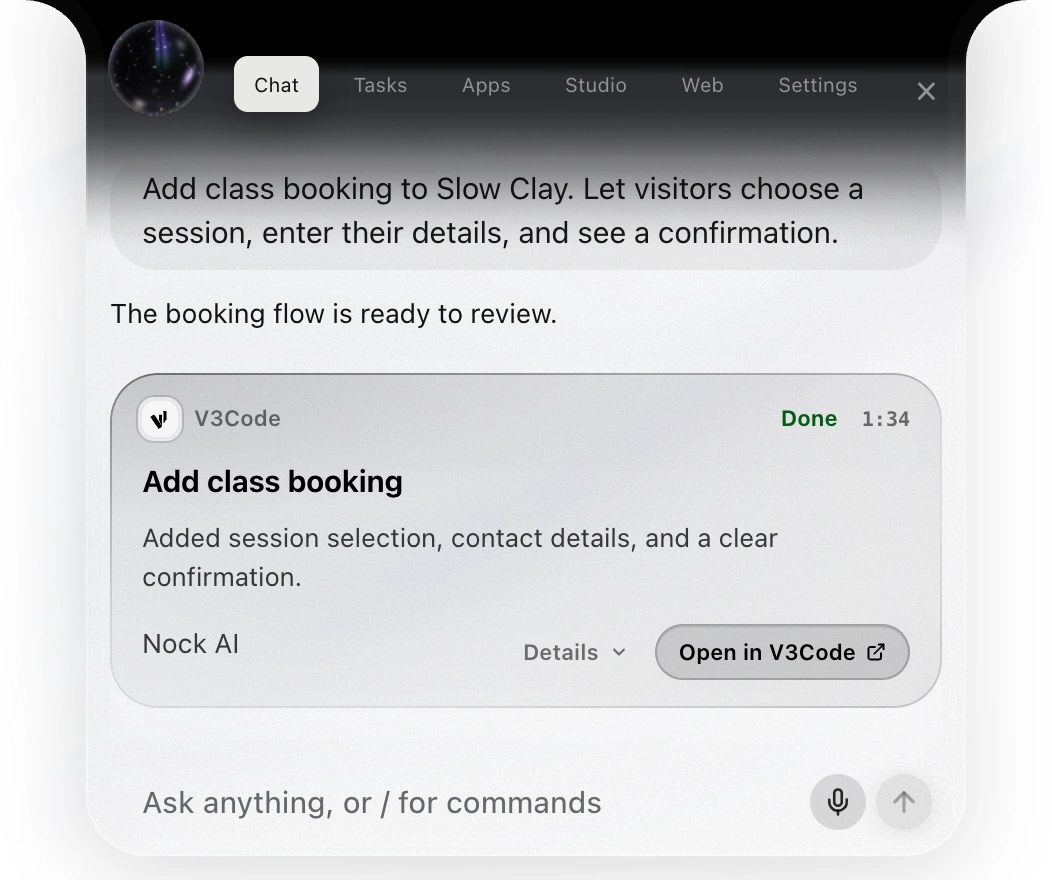
Nock can offer design directions, then work on the actual project with V3Code. Open the result and ask for the next change.
 nock
FOR DEVELOPERS
Build with V3Code, steer a running task, and pick up your coding chats in Nock.

SAY IT YOUR WAY
You don’t need the perfect prompt. Give Nock the next thing you want to do, then keep the conversation going.
Nock can offer design directions, then work on the actual project with V3Code. Open the result and ask for the next change.
Pass a new instruction to a running build. The task picks it up after the step it is working on.
Find the conversations already open on your computer and continue the work through Nock.
A PROJECT YOU CAN COME BACK TO
Describe the thing you want to make. Then talk through the details, open the result, and keep going in the same project. Nock brings the conversation and the work together.
Explore building with Nock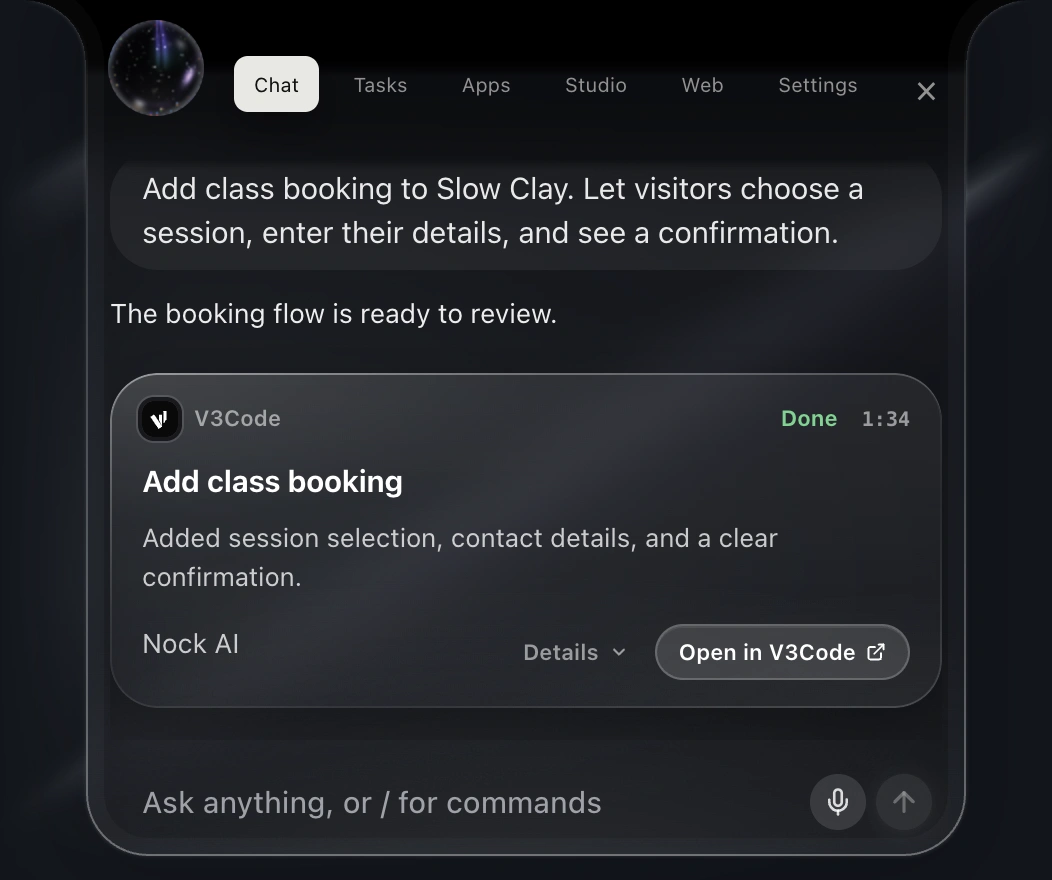
THE WORK BEHIND THE WORDS
A code index helps Nock find code by what it does. Language servers help check errors and follow definitions.
Use V3Code with your Nock plan, or choose Claude Code, Codex, or Grok Bot with your own subscription.
Open a task’s own conversation to see its changes and files, answer a question, or talk to it directly.
Nock is $19.99/month with 100 agent tasks a month, for building, email, apps and background work.
Find your plan